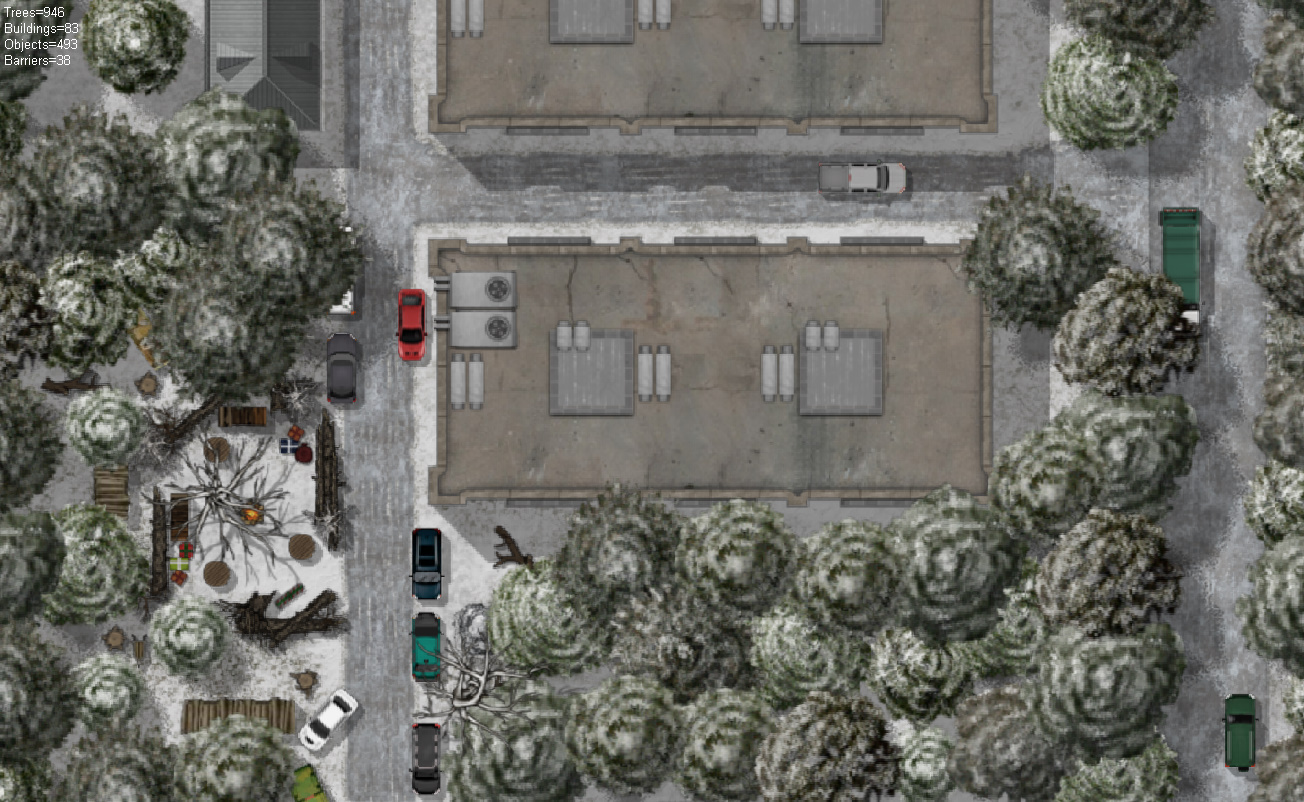
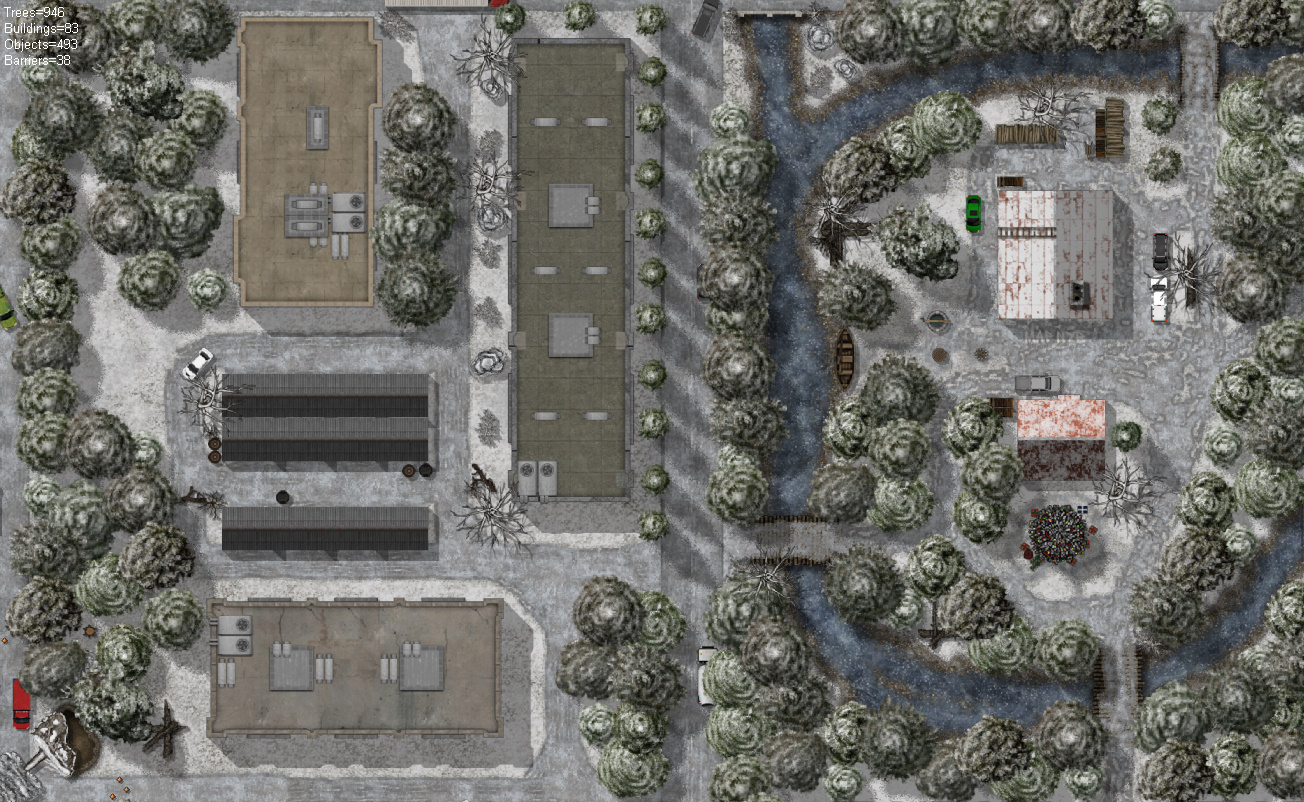
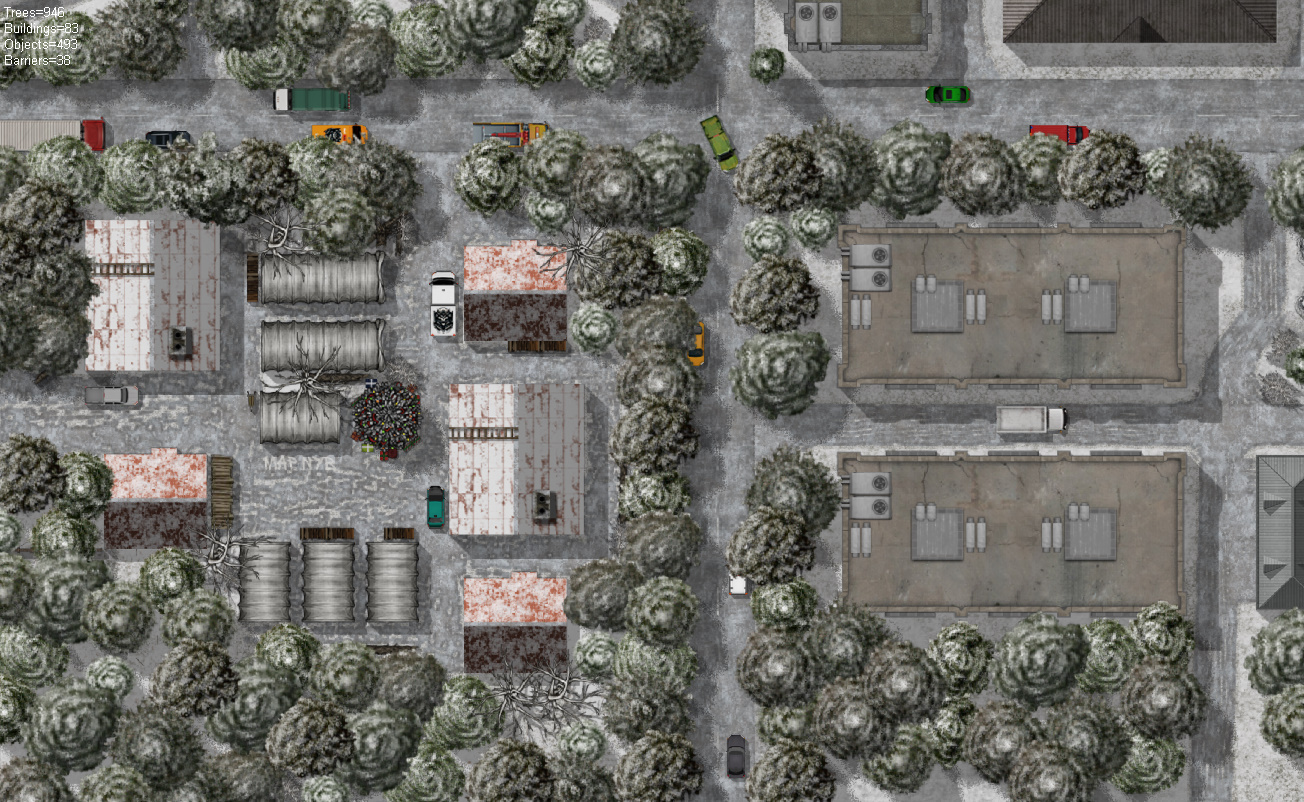
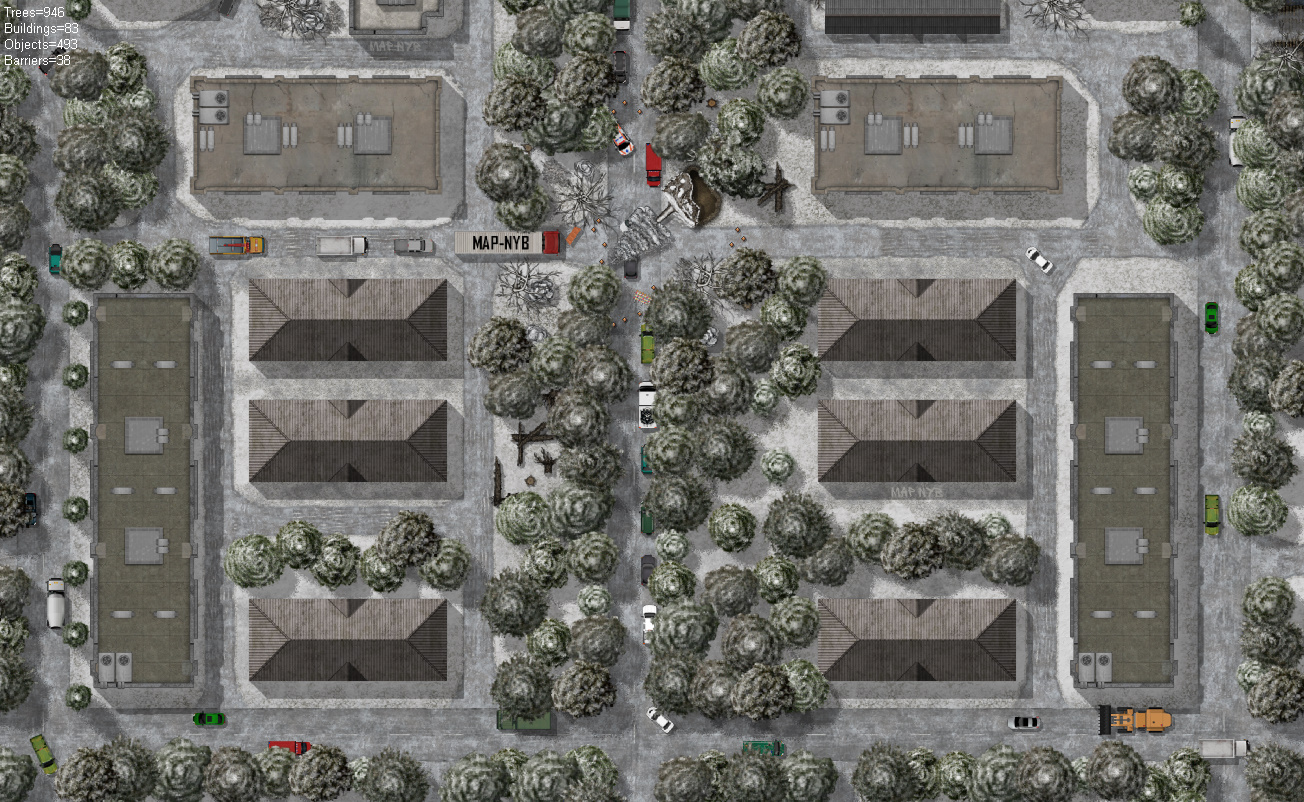
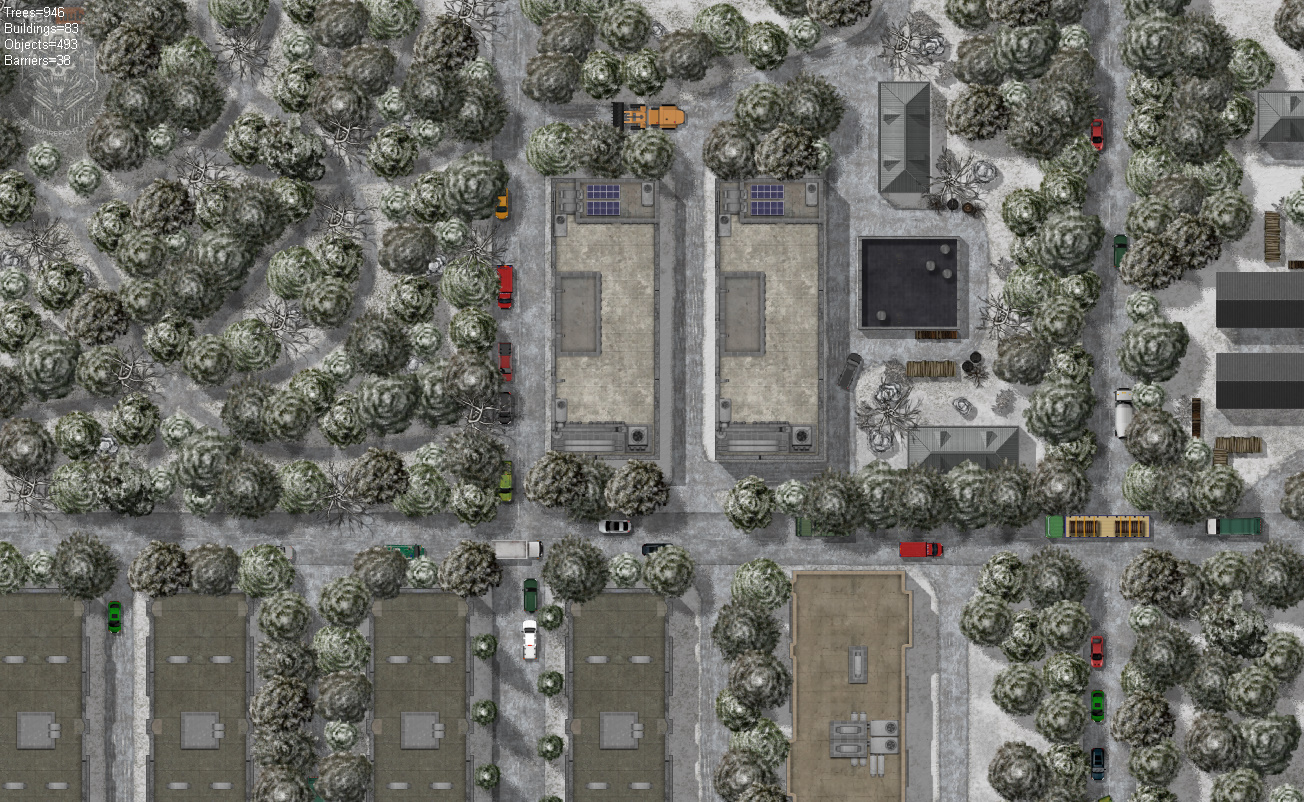
Map of " Winter " Карта"Зима"
A downloadable asset pack for Windows and Android
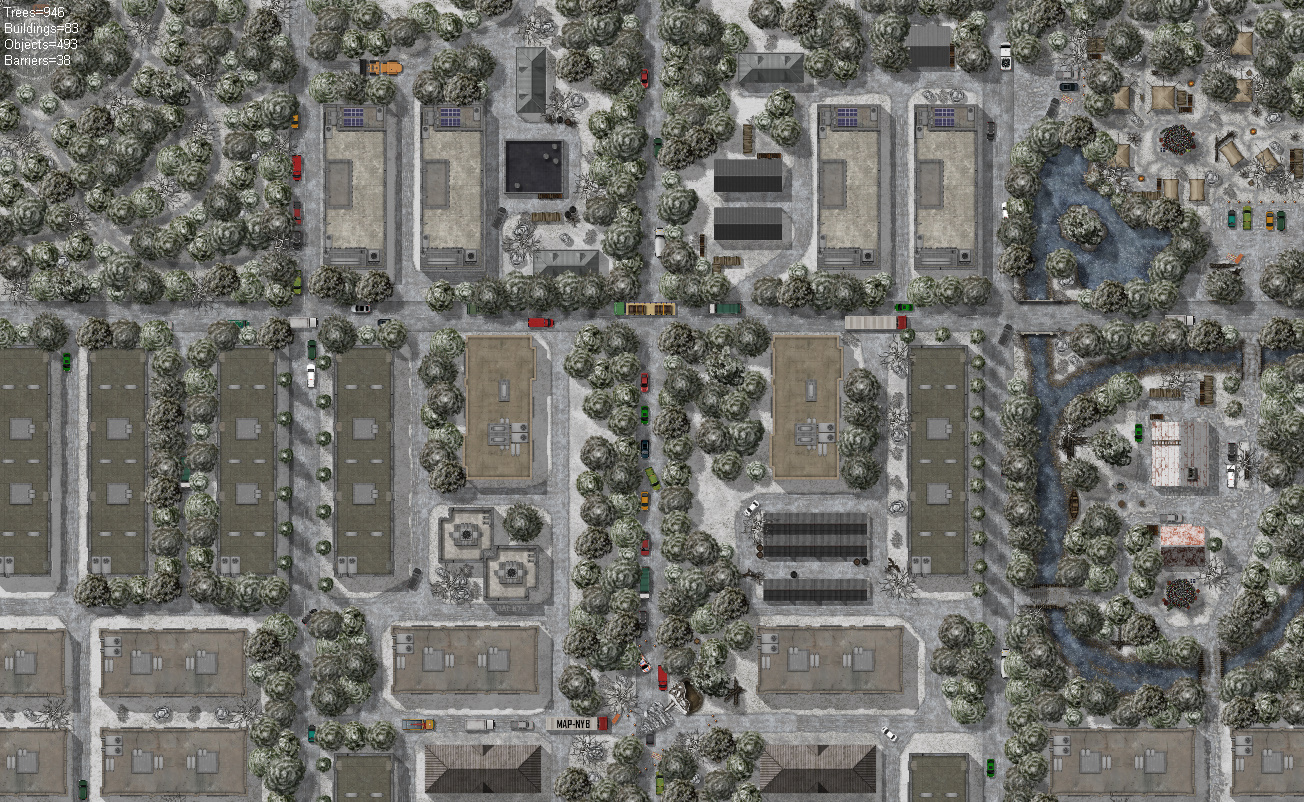
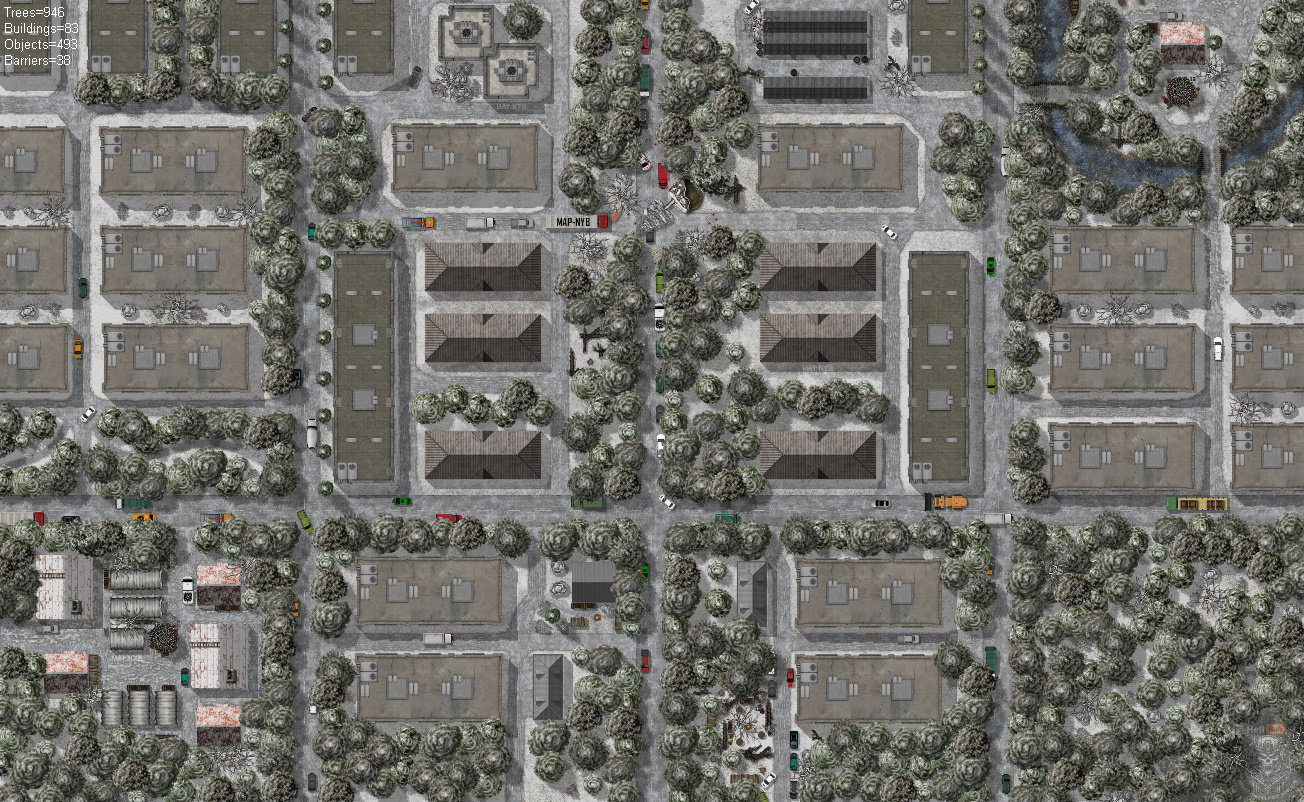
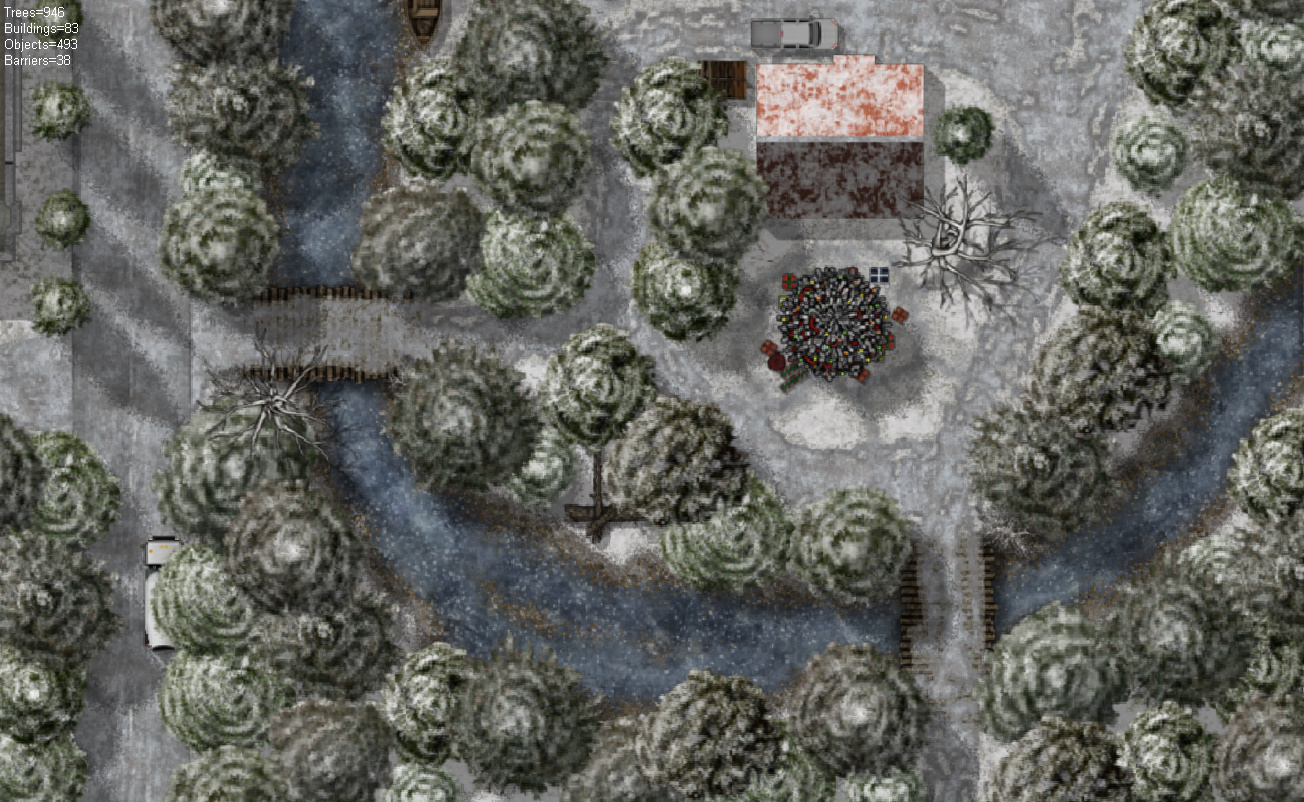
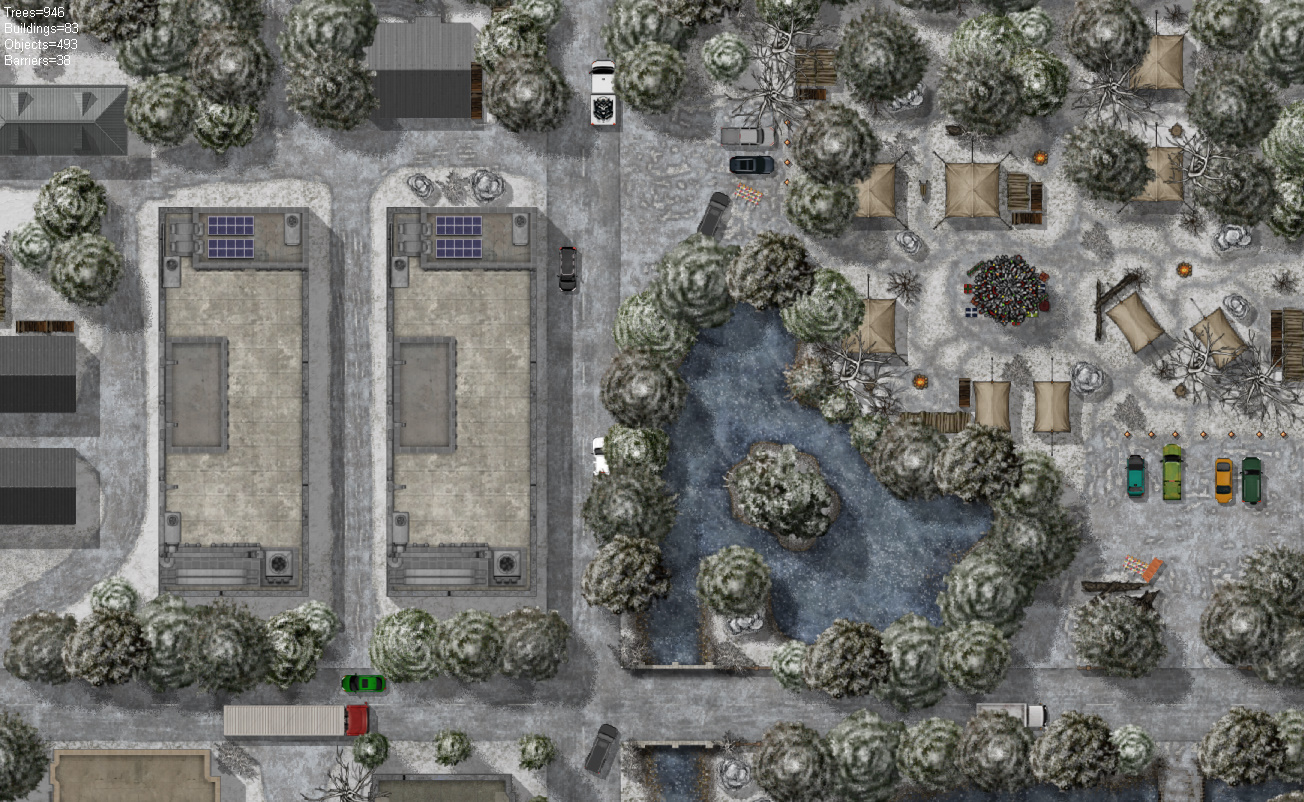
Пользовательская карта для Firefight и всех её модификаций. Рекомендовано играть на версии игры не ниже 11.9.1
Пользовательская карта, создана для игры Firefight. Карта вымышленная и сделана просто для разнообразия геймплея.
Важно:
Карта предназначена исключительно для игрового использования и не несёт в себе никакого политического или идеологического подтекста.
В архиве содержится:
Карта и дополнительные игровые файлы.
Пользовательское соглашение.
ИНСТРУКЦИЯ ПО УСТАНОВКЕ.
Использование карты и некоторых файлов (за исключением оригинальных файлов игры, содержащихся в архиве и тд) без согласия автора запрещено.
Приятной игры!
Custom map for Firefight and all its modifications. It is recommended to play on a game version no lower than 11.9.1
Custom map created for the game Firefight. The map is fictitious and made simply for gameplay variety.
Important:
The map is intended solely for gaming use and does not carry any political or ideological overtones.
The archive contains:
Map and additional game files.
User agreement.
INSTALLATION INSTRUCTIONS.
The use of the map and some files (with the exception of the original game files contained in the archive, etc.) without the consent of the author is prohibited.
Have a nice game!
Socials
YouTube: https://www.youtube.com/channel/UCb9TpTEWhMUqCgOfDXYGfVQ
TikTok: https://www.tiktok.com/@firefight_map_nyb
Telegram: https://t.me/FIREFIGHT_MAP_NYB
Support the Project
Donate on Boosty: https://boosty.to/map-nyb/donate
Boosty (exclusive content & early access): https://boosty.to/map-nyb
Download
Install instructions
Instructions for installing a map in the Firefight mod:
1. Open your mod using a program that can work with APK files.
2. Go to the folder assets → Custom maps.
3. Unzip the downloaded map archive.
4. Place the extracted map folder into Custom maps.
5. In the same folder, open the text file CustomMapCodeNes and add the map name — 4 capital letters, matching the map folder name.
6. Save the changes and launch the game — the map will appear in the list.
Инструкция по установке карты в мод Firefight:
1. Откройте ваш мод через программу для работы с APK-файлами.
2. Перейдите в папку assets → Custom maps.
3. Разархивируйте скачанный архив с картой.
4. Поместите папку с картой в Custom maps.
5. В этой же папке откройте текстовый файл CustomMapCodeNes и впишите туда название карты — 4 заглавные буквы, совпадающие с названием папки карты.
6. Сохраните изменения и запустите игру — карта появится в списке.
Leave a comment
Log in with itch.io to leave a comment.